If you run Facebook, Instagram or TikTok ads to your webinar, the ad platform needs to know which clicks turned into registrations. Without that, it can't find more people like the ones who signed up, and you're left guessing which ad is working.
You can now add your own tracking pixels to any webinar.
What gets tracked
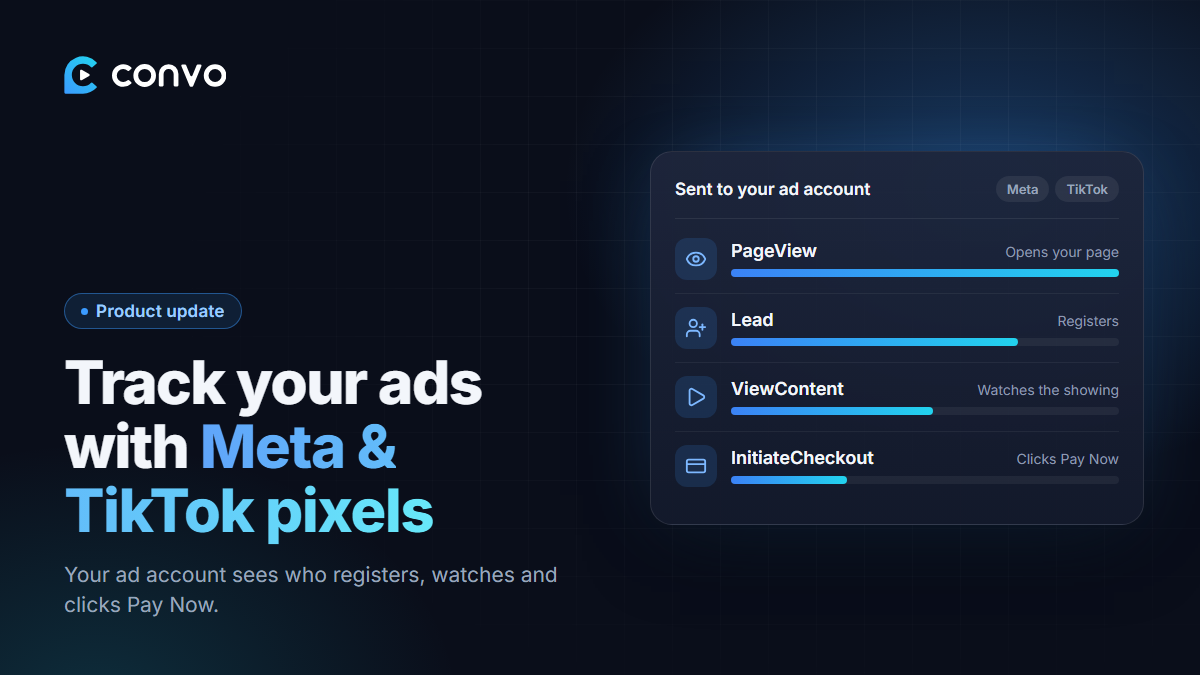
Once your pixel is on a webinar, Convo sends these events to Meta and TikTok automatically:
- PageView when someone opens your registration page, the webinar room or the replay.
- Lead / CompleteRegistration when someone registers, on your page or through the embedded form.
- ViewContent when someone watches the showing or the replay.
- InitiateCheckout when someone clicks your Pay Now button.
That last one is the useful one. It tells the ad platform who reached your offer and showed buying intent, not just who signed up.
How to set it up
- Open your webinar and find Ad tracking pixels.
- Paste your Meta Pixel ID and/or TikTok Pixel ID. Just the ID, not the whole code snippet.
- Save.
Not sure where to find your pixel ID? We wrote a step-by-step guide, How to set up ad tracking pixels. There's a link to it next to the pixel fields too.
Each webinar has its own pixels, so you can use different ad accounts for different offers.
Then tell your ads what to optimise for
With the events flowing, set your ad campaign to optimise for registrations (Lead or CompleteRegistration) instead of clicks. Clicks are cheap, and registrations are what you actually want.
Tracking pixels are a Pro feature.