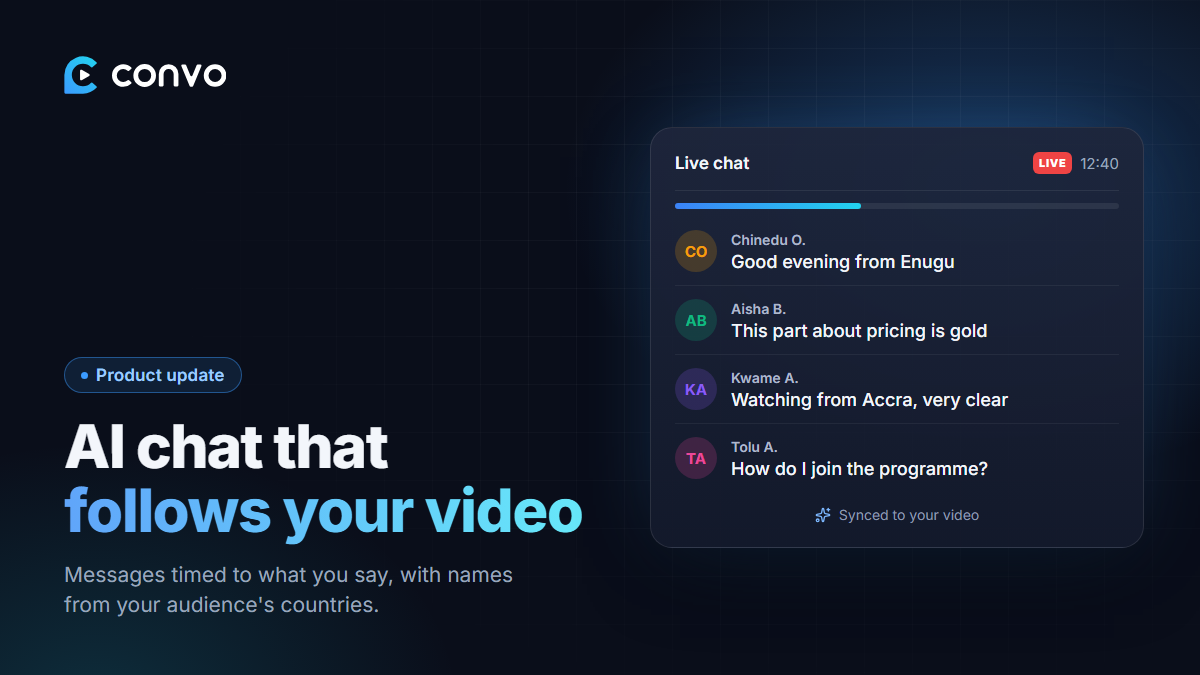
A silent chat box makes a room feel empty. When you teach live, people react: they say hello, ask questions, type "amen" when you land a point. A recording on its own doesn't have that.
Convo's AI chat fills that gap, and over the last few weeks we've rebuilt it.
How it works
- Convo reads your video. When you add a video, Convo pulls its transcript in the background. For a long video this can take a little while, and the page tells you so. You can also paste your script into the box instead of waiting.
- It generates chat messages timed to what you say. When you explain a point, the chat responds to that point. When you make your offer, the chat reacts to the offer. Messages trail your words by a few seconds, the way real reactions do.
- It plays alongside every showing. The chat stays in sync with the video, so every audience sees the right messages at the right moments.
Don't like a batch? Clear it and generate a new set anytime.
Names that sound like your audience
Early versions used generic Western names, which looked odd in a webinar for Lagos or Accra. The chat now uses authentic names for the audience you choose.
You can pick several audience countries at once (Nigeria, Ghana, Kenya, South Africa, the UK, the US and more), and the names in the chat reflect that mix. If your buyers are in Nigeria and the diaspora, set it that way.
Faster and more reliable
We moved generation to a new AI model, and fixed the cases where long videos produced too few messages. Generation now runs in batches with a progress bar, so you can see how far along it is instead of staring at a spinner.
A note on honesty
AI chat is there to make the room feel alive, not to invent testimonials or fake urgency. Treat it like background atmosphere. Your offer still has to do the selling.
AI chat is a Pro feature. Open any webinar in your dashboard and look for AI Simulated Chat to set it up.