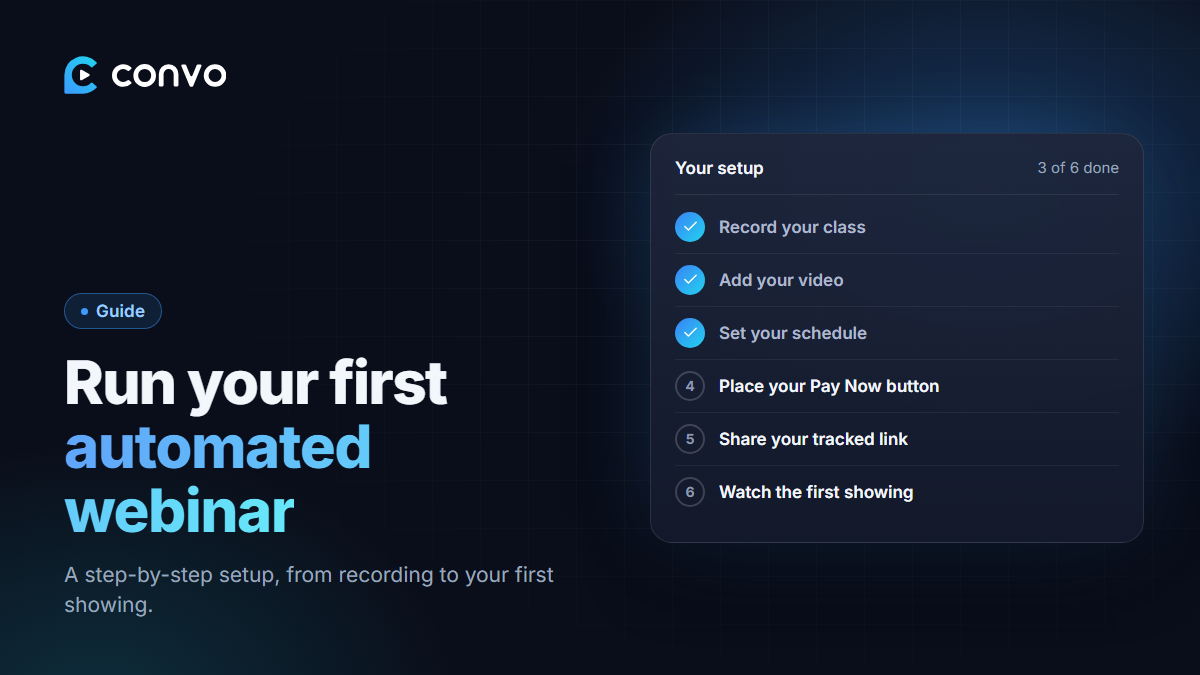
You don't need a studio, a team or a perfect script to run an automated webinar. You need a clear class, a simple offer and a link to share. Here's how to set it up on Convo, step by step.
1. Record your webinar
If you've taught your class live before, you may already have a recording. If not, record one. A phone is fine.
A simple structure that works:
- Minutes 0–5: who you are and what they'll learn tonight.
- Minutes 5–25: teach. Give real value. Solve one specific problem.
- Minutes 25–35: your offer. What it is, what it costs, what they get, and why now.
- The rest: answer the common questions and objections, then repeat the offer.
Aim for 30–45 minutes. Good sound matters more than good video, so record somewhere quiet.
2. Create the webinar in Convo
In your dashboard, click New webinar. Give it a clear title (what they'll learn, not your product name) and a short description. Upload your video, or paste a YouTube link.
3. Set your schedule
Choose when it runs: daily, several times a day, or weekly. Pick times your audience is free. For most Nigerian audiences, evenings work best. If you have buyers abroad, add a showing at a time that suits them.
Recurring schedules are part of Pro.
4. Place your Pay Now button
Under Pay Now Button, paste your checkout link (Selar, a Paystack payment page or your own site) and set the minute it appears. Match it to the moment in your video where you start the offer. If your offer starts at 27:30, set the button for minute 27.
5. Add the extras
These are optional, but they help:
- Handouts: a worksheet at the start, a bonus that unlocks near the offer.
- AI chat: so the room doesn't feel empty. Pick your audience's countries. (Pro)
- Ad pixels: if you'll run ads to this webinar. (Pro)
6. Share your link
Your registration page is ready as soon as you save. Create a tracked link for each place you'll share it (WhatsApp status, Instagram bio, ads), so you know which one works.
You can also embed the form on your own sales page.
7. Watch the first showing yourself
Register with your own email and sit through the first showing like a buyer would. Check that:
- the reminder email arrived,
- the countdown and video start on time,
- the Pay Now button appears at the right minute and the link works, and
- any handouts unlock when they should.
8. Improve it every week
Look at your numbers: how many registered, where they came from and how many clicked Pay Now. If people register but don't buy, work on the offer. If they don't register, work on the title and where you share it. Re-record the weak parts when you're ready, and the next showing uses the new version.
That's it. Record once, and let it run. Start free on Convo.